Retail events (promotions, holidays, tentpole weekends) don’t just “lift demand.” They change where demand shows up, which products spike, and how fast stores sell through. The winners aren’t the teams with the perfect forecast. They’re the teams that plan a baseline, translate it into store-level targets, and then adjust in-season with live demand signals.
This is your playbook for doing exactly that.
What You Will Learn
- Why retail events are uniquely difficult to forecast, and the four forces that break standard models
- The critical difference between demand forecasting and demand planning (and why confusing the two kills event execution)
- A practical 5-step playbook: from event definition to post-event learning
- The KPIs that actually tell you whether your event went well, beyond top-line revenue
- How Onebeat helps retailers predict the spike and execute daily
Why Are Retail Events Uniquely Hard to Forecast?
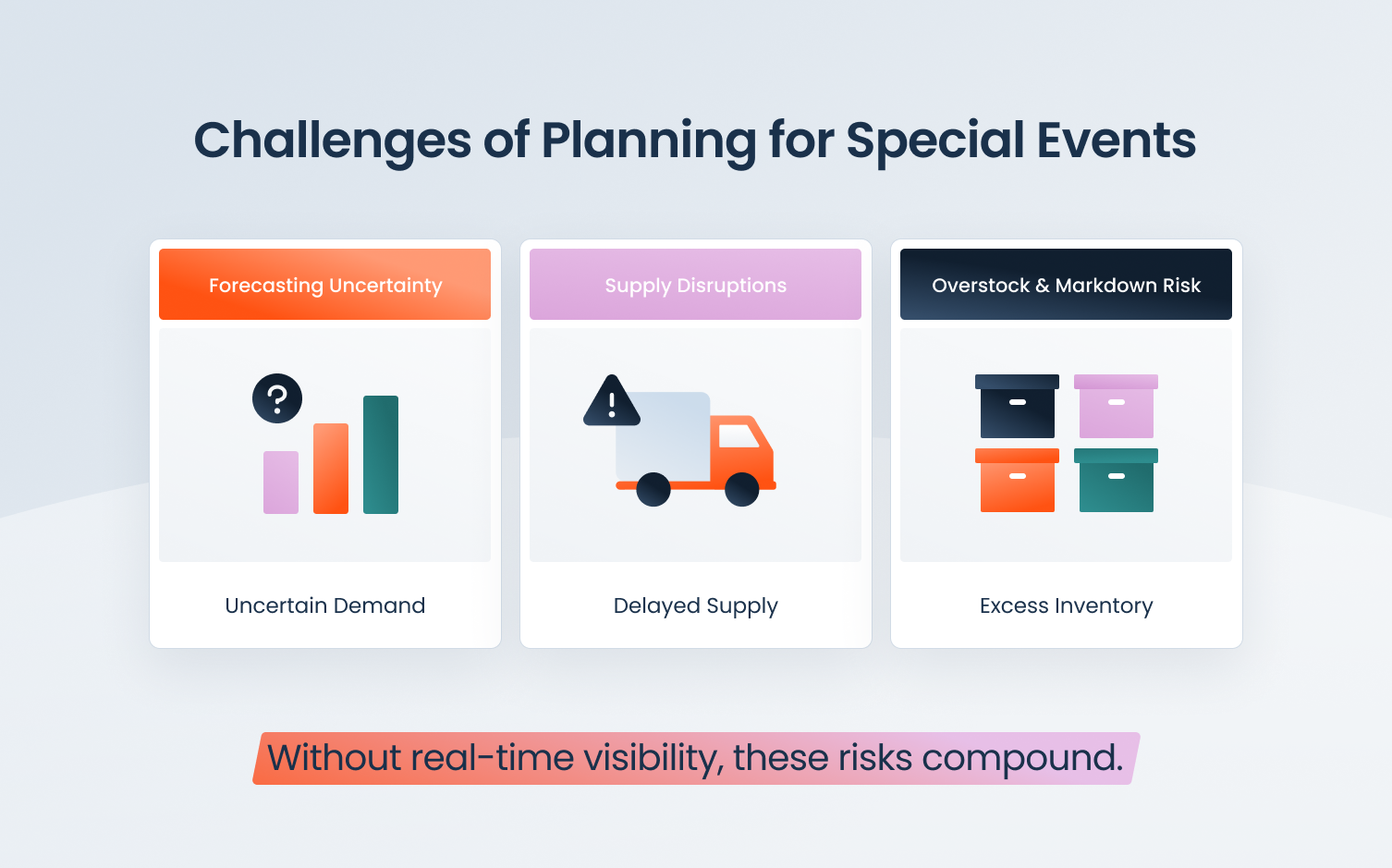
Most standard forecasting models are built for steady-state demand. Retail events are anything but steady. Four forces consistently break the model.
Lift isn’t uniform
Discount depth, offer type (BOGO vs. percentage off), and marketing reach all shift the demand curve differently, by category, by channel, and by store. A 20%-off promotion in a mall location behaves nothing like the same offer in a neighborhood strip. Applying a single lift multiplier across the network is where most event plans start to fall apart.
Demand moves faster than replenishment
Event sell-through can happen in 48 hours. Lead times are weeks. By the time a reorder arrives, the selling window has closed. The only way to manage this gap is to get the allocation right upfront and make smarter decisions with the inventory you already have in the network.
Local effects matter more than teams realize
Store clusters behave differently: mall vs. street, tourist-heavy vs. residential, warm-region vs. cold. A hero SKU that flies in one cluster can sit untouched in another. Event plans that ignore location-level behavior generate stockouts in some stores and surplus in others, sometimes simultaneously, for the same product.
Substitution and cannibalization distort the picture
Promoted SKUs steal volume from adjacent items. Shoppers trade up when their preferred option sells out, or trade down when the promoted item is gone. These substitution effects are real, measurable, and often overlooked, which is why post-event sell-through on non-promoted SKUs can tell you as much as sell-through on the promo items themselves.
The 5-Step Retail Event Demand Playbook
Strong event execution doesn’t happen by accident. It follows a repeatable process: Define → Forecast → Target → Execute → Learn
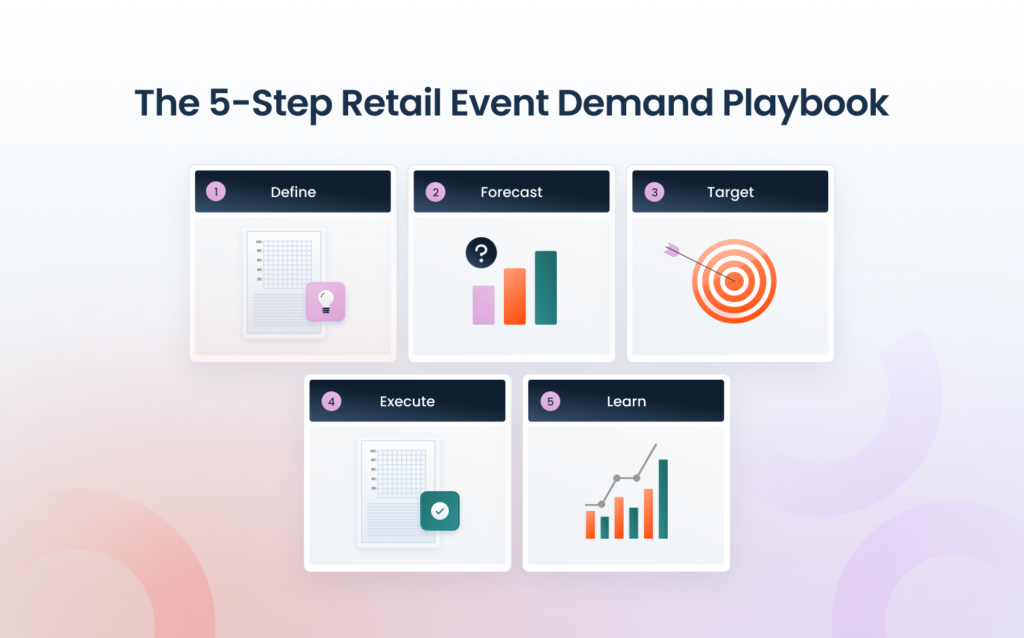
Step 1: Define the Event Like a Dataset, Not a Date
Before you can forecast an event, you need to describe it precisely enough to find useful historical comparisons. That means specifying dates, stores and regions in scope, SKUs and categories involved, offer mechanics (discount depth, BOGO, bundle), promo price points, and marketing channels driving awareness.
Once you’ve defined the event, tag comparable events from your history: last year’s equivalent holiday weekend, the last promotion at a similar discount depth, or the closest category analog you can find. This is how you build a defensible forecast rather than a guess.
From there, build two short lists before anything else:
- “Must-win” SKUs: traffic drivers where a stockout directly costs you revenue and brand trust
- “Margin defenders”: items where over-discounting or overstocking would hurt you more than help
These two lists should shape every inventory decision in the steps that follow.
Step 2: Build a Baseline Forecast and an Event Lift
Start with a baseline (run-rate) forecast per SKU-store. This is simply what you’d expect to sell if there were no event at all. Then apply an event lift that you can explain and, critically, adjust as real data comes in.
A simple, defensible formula:
Event forecast = Baseline forecast × (1 + Lift%)
The lift percentage should be derived from comparable historical events, calibrated by discount band and store cluster. Don’t anchor on a single number. Plan a range. You’ll narrow it quickly once the event starts and early sell-through data comes in. The goal isn’t precision before the fact; it’s a range you can act on and a model you can update.
Step 3: Translate the Forecast into Store-Level Inventory Targets
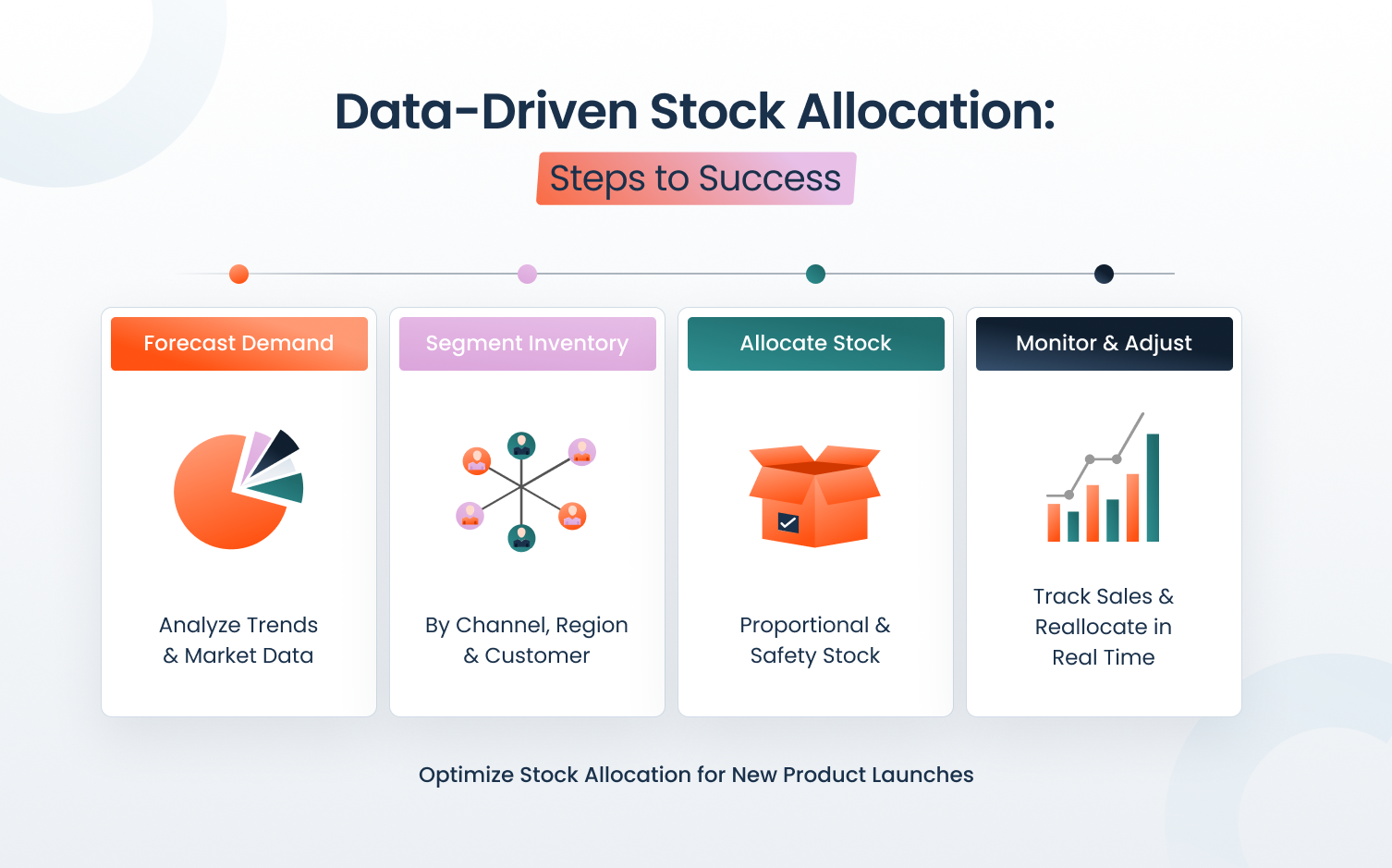
A network-level forecast is not an inventory plan. The next step is converting your forecast into a target on-hand per SKU-store for the event window, plus a safety buffer for your highest-velocity items.
Prioritize inventory depth by item class:
- A-items: High velocity, high revenue risk if out-of-stock. Protect these first, stock deep, and monitor daily.
- B-items: Medium velocity. Selective depth. Stock enough to capture demand without creating post-event surplus.
- C-items: Long tail. Avoid event overbuy unless the promo mechanics clearly drive incremental demand for these items specifically.
Don’t forget execution constraints: pack sizes, shipment capacity, and DC minimums all affect what’s actually achievable. A plan that ignores these will be revised under pressure during the event, which is exactly when you don’t want to be making decisions from scratch.
Explore how Onebeat’s Special Events solution helps retailers set precise, SKU-store-level inventory targets for promotions and holidays.
Step 4: Execute with a Daily Sense-and-Respond Loop
The plan you built before the event is your starting point, not your final answer. During the event itself, the job is to monitor leading indicators and act on them quickly.
In the first 24-48 hours, watch for:
- Sell-through vs. plan: are key SKUs pacing above or below expectation?
- Store-level in-stock rates: where is availability starting to erode?
- Online traffic and conversion (if omnichannel): signals that can front-run in-store demand
From there, use pre-defined trigger rules so decisions don’t require a meeting:
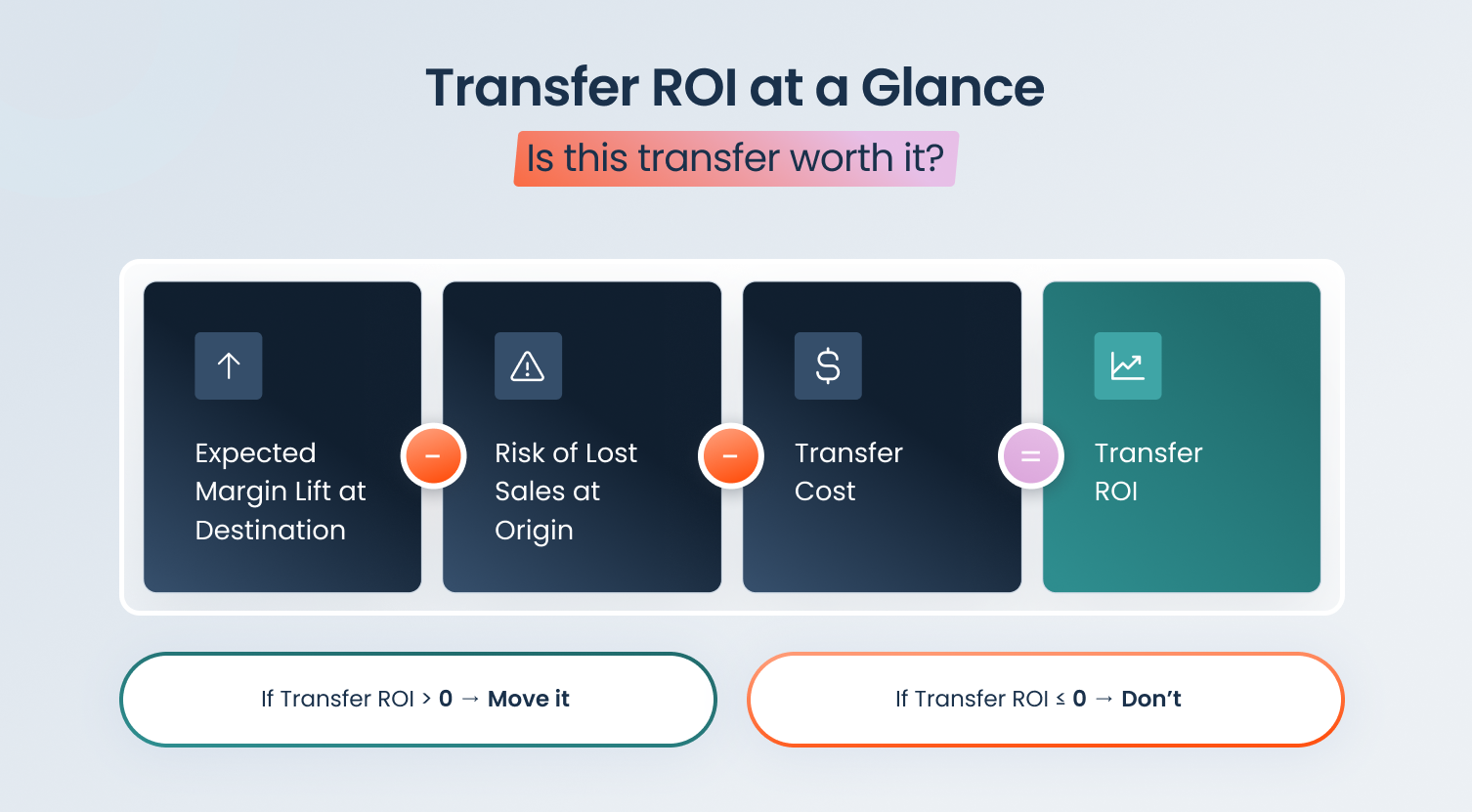
- If a SKU is pacing significantly above plan → accelerate replenishment, re-route inventory from slower stores, or initiate a transfer
- If a SKU is pacing below plan → pause replenishment, stop feeding that store, and protect margin before overstock becomes a markdown problem
The goal is to move inventory to where demand actually exists, not where you predicted it would exist. That distinction is the difference between a successful event and an expensive one.
Step 5: Post-Event Learning: Turn Results into Better Future Projections
The event is over. The work isn’t. What you capture now directly determines how much better your next event goes.
Run a fast post-mortem within the first week:
- Forecast error (MAPE or WAPE at SKU-store level): where did the model miss, and why?
- Lost sales estimate: what would you have sold if key SKUs hadn’t gone out of stock? Use pre-OOS sales rate, comparable stores, or similar SKU curves to estimate this consistently.
- Markdown impact: how much inventory needed discounting once the event ended? High post-event markdowns usually point to over-forecasting or misallocation, not bad luck.
Then update your event library:
- Lift curves by discount band
- Store cluster responses by category
- SKU substitution and cannibalization patterns
This event library compounds. Every cycle, your lift assumptions get sharper, your store cluster models get more accurate, and your allocation decisions require less manual intervention. Post-event learning is where you win the next event.
Retail Event Readiness KPIs: Beyond Sales Volume
Big event revenue can hide serious operational problems: selling out of hero SKUs in hour two, over-allocating to stores that barely moved inventory, or paying for it all in markdowns the following week. Revenue alone doesn’t tell you whether you were ready.
These KPIs do:
In-stock rate on top event SKUs: What percentage of the time did your highest-impact event items stay available in each store and channel during the event window? This is your most direct measure of event execution quality.
Sell-through during the event window: How much of the event allocation sold within the event period? Strong sell-through signals clean allocation and healthy demand alignment. Weak sell-through signals misallocation, or a forecast that overcalled lift.
Lost sales from stockouts (estimated): What would you have sold if the item hadn’t gone out of stock? This number is always an estimate, but a consistent methodology lets you trend it event-to-event and make the business case for better planning.
Inventory turns / weeks of supply: How quickly is inventory converting to sales? Watch for stores carrying too many weeks of supply while neighboring locations are running hot on the same SKU.
Markdown rate after the event: How much inventory is required for discounting once the promotional period ends? High post-event markdown rates are a lagging signal of over-forecasting or poor allocation, not just excess supply.
Forecast accuracy (WAPE/MAPE): Compare forecasted vs. actual demand at the SKU-store level. This tells you where your assumptions were off and what to refine before the next event.
Onebeat: Predict the Spike, Then Execute Daily
Onebeat’s Special Events capability is built for exactly this challenge: precise inventory planning for promotions and holidays, at the SKU, category, and location level, using algorithms that learn from previous comparable events and continuously refine projections.
The platform doesn’t stop at forecasting. Execution happens through dynamic inventory targets and daily recommended actions: prioritize replenishment on fast-moving items, pause replenishment on slow ones, and when needed, rebalance inventory across the store network using smart store transfers.
The result is a system that connects prediction to execution in a daily loop, so your team spends less time firefighting and more time making decisions that actually protect margin.
Key Takeaways
- Event demand isn’t just higher, it’s different. The mix of SKUs, the pace of sales, and which stores win can shift fast during promotions. Standard run-rate models don’t capture this.
- Separate forecasting from planning. A forecast is an estimate. Readiness comes from turning it into store-level inventory targets, staffing, and replenishment actions.
- Start with a baseline, then layer in event lift. Use historical analogs (similar promos, discount depth, timing) to create a defensible uplift. Plan ranges, not a single number.
- Plan at SKU-store level, not category totals. Granularity is what prevents hero-SKU stockouts and long-tail overstock. Category-level plans are useful for budgeting; they’re not sufficient for execution.
- Run a daily sense-and-respond loop during the event. Use early sell-through signals to re-route inventory, accelerate replenishment, or stop feeding slow stores before markdowns pile up.
- Measure readiness with operational KPIs, not revenue alone. In-stock rate, lost sales from stockouts, sell-through rate, and post-event markdowns reveal whether the plan actually worked.
- Post-event learning is where you win the next event. Capture lift curves, store cluster behavior, and substitution patterns so your forecasts improve every cycle.
- Technology should connect predictions to execution. The best systems don’t just predict demand. They translate it into daily actions: allocation, replenishment, and store transfers.
Final Thoughts
Retail events don’t reward bigger buys. They reward faster, smarter decisions. When you define the event clearly, build a baseline plus lift, and translate it into store-level targets you can adjust daily, you protect availability on the SKUs that matter most while avoiding the post-event markdown hangover.
Plan every promotion with precision.
FAQs
What’s the difference between demand forecasting and demand planning for retail events? Demand forecasting estimates what you’re likely to sell. Demand planning turns that estimate into actions: inventory targets by store, replenishment timing, staffing, and fulfillment capacity, so you can actually meet demand during the event.
How far in advance should we start planning for a retail event? Start 6–8 weeks out for event definition, initial forecasts, and vendor/DC alignment. In the final 1–2 weeks, shift to store-level allocation targets and trigger rules for daily adjustments once the event begins.
How do I forecast demand for an event we’ve never run before? Use the closest historical analogs (similar category, discount depth, timing, channel mix) to create a baseline plus lift range. Then tighten the plan quickly using early sell-through signals in the first 24–48 hours.
What data do we need to build a reliable event forecast? At minimum: historical POS by SKU/store, current inventory positions, promo calendar (offer type and discount depth), and store attributes or cluster tags. If available, layer in marketing signals (traffic, spend), product lifecycle stage, and supplier lead times.
How do discounts impact demand, and how do we model lift? Discounts change both volume and substitution behavior. Model lift in tiers (e.g., 10–20%, 20–30%) based on prior events, then adjust by store cluster and category sensitivity. Keep lift as a range until the event starts, and real data confirms direction.
What are the best early warning signs that we’ll stock out during the event? Watch pacing: if a key SKU is selling significantly above plan in days one or two, you’re heading toward a stockout. Also monitor in-stock rate by store, sell-through velocity, and how quickly safety stock is being consumed.
How do we estimate lost sales from stockouts? Common methods include using the pre-stockout sales rate, comparing to similar stores that stayed in stock, or using a comparable SKU’s demand curve. The goal is a consistent estimate you can trend event-to-event, not a perfect number.
Should we plan inventory at the category level or the SKU-store level? Category-level plans are useful for budgeting, but event execution should be SKU-store level. That’s where stockouts and overstocks actually happen, and where you can make decisions that protect both sales and margin.
How can we operationalize this without creating chaos for stores and DCs? Use simple thresholds and a short action list: “expedite replenishment,” “pause replenishment,” “transfer from store A to B,” “adjust target on-hand.” A small set of consistent rules beats constant manual firefighting every time.

Onebeat